
Newest
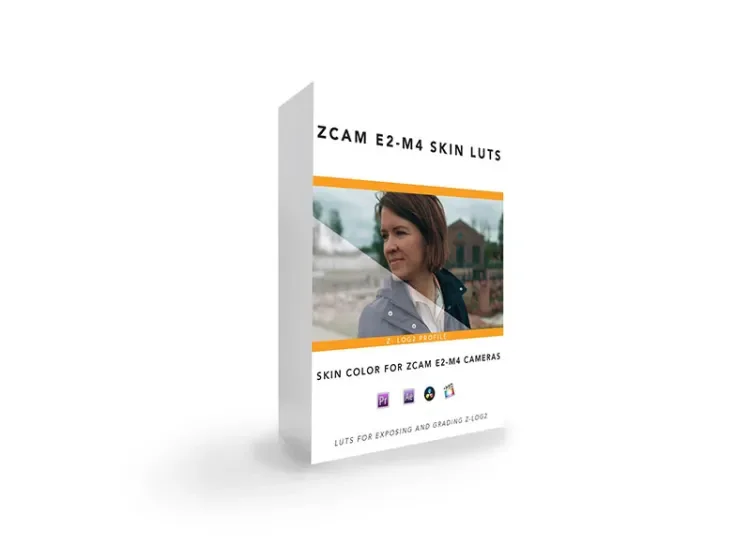
ZCAM E2-M4 Skin LUT pack
Content Details
Color:
I’ve always loved warm, pink, and creamy skin tones. I designed The ZCAM E2-M4 Skin LUT Pack with this in mind. Just like the ZCAM Base LUT packs, the green and red channel for these LUTs have also been modified. The ZCAM E2-M4 Skin LUT Pack is my go-to for filming weddings on my ZCAM E2 (classic) and my ZCAM E2-M4 Cameras.
Why do you need these LUTs?
Exposure:
Zlog 2 and other log formats can often times be hard to expose without a proper way of monitoring your image. Zlog 2 and other log formats also have a tendency to look flat or washed out. This is why I created my ZCAM E2-M4 LUTs, specifically made for ZCAM E2 (Calssic) and the ZCAM E2-M4. Not only will they help you get exposure out on the field, they will also help you in post production.
Before I go any further, I should note that I didn’t create these LUTs with the intent to sell them. These are simply the LUTs I’ve personally used and perfected over the years. I should also note that these LUTs are not a”fix all” for your footage. These LUTs simply serve as a base or starting point for your grade. If you want the best results, I suggest grading beyond the simple application of the LUT.
Application:
Each LUT in this pack was created specifically for the ZCAM Z-log 2 color profile. My primary tests when creating the LUTs were with my lovely ZCAM E2 (classic). I designed these LUTs to help me achieve proper exposure while I’m filming and grading while continuing to maintain a pleasing picture. Each LUT included has varying degrees of saturation and color. I find myself using MED most often.
Included in this folder are the following LUTs:
- LOW SAT – ZCAM E2-M4 Ludeman_709_Skin_LUT
- MED SAT – ZCAM E2-M4 Ludeman_709_Skin_LUT
- HIGH SAT – ZCAM E2-M4 Ludeman_709_Skin_LUT
Notes & Tips:
-These LUTs work best when you (ETTR) expose to the right with your histogram.
– Every camera is different. With that said, you may have to further adjust your color after you’ve applied the LUT. In most cases, a simple temp/tint adjustment will suffice.
– For the best results, be sure your camera is properly white balanced while filming.